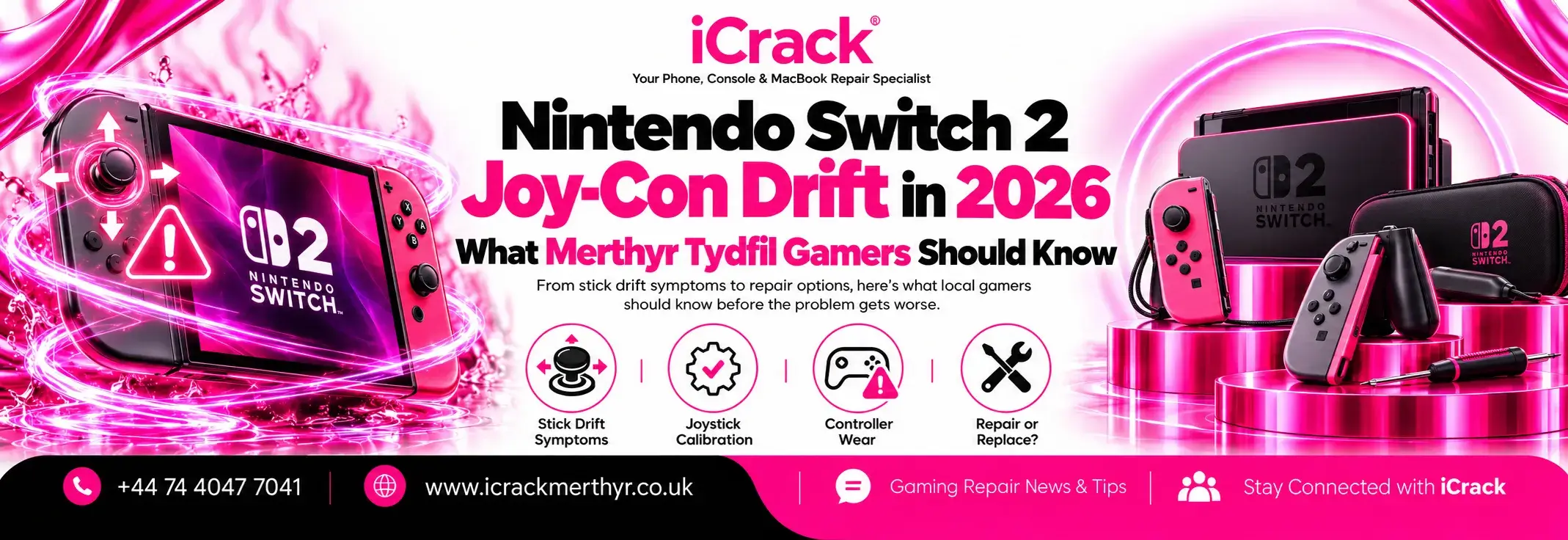
Imagine settling down for a game, only to find your character walking across the screen when you haven’t touched the controller. Or perhaps the camera keeps turning on its own. That’s what gamers usually mean by stick drift, and it can turn a relaxing evening into a frustrating one.
With the October half-term approaching in Merthyr Tydfil, now is a useful time to check that your Nintendo Switch controllers are working properly. But does the newer Nintendo Switch 2 really have the same Joy-Con problem as the original console? Here’s what owners should know before paying for a repair.
Is Joy-Con Drift Still a Problem on Nintendo Switch 2?
The original Nintendo Switch earned a reputation for analogue stick drift. Over time, some controllers began registering movement without anyone moving the sticks.
Nintendo Switch 2 uses redesigned Joy-Con 2 controllers, and the early evidence is encouraging. In September 2026, Nintendo Life published observations from a specialist who had worked on more than 1,000 Joy-Con 2 controllers. He found that the newer sticks generally held up better than the originals.
That doesn’t mean every controller is fault-free. Individual Joy-Con 2 units can still develop movement, button or connection problems. Importantly, there is no reliable evidence that all Switch 2 controllers are suffering a widespread drift failure.
What Causes a Controller to Move by Itself?
Unexpected character movement can have several causes, not all of them hardware failures.
An ageing or damaged analogue stick may send inaccurate signals. Dust, physical impact or wear can also affect how a controller responds. Sometimes, however, the issue comes from controller settings, outdated software or motion controls within a particular game.
Before assuming the stick needs replacing, check whether the problem happens in several games. If it’s limited to one title, its control settings may be responsible.
Five Things to Try Before Booking a Repair
Nintendo recommends some straightforward checks for unresponsive or inaccurate Joy-Con 2 sticks:
- Update your console. Install the latest available Nintendo Switch 2 system update.
- Update the controllers. Check that your Joy-Con 2 firmware is current.
- Calibrate the sticks. Use the calibration options in the console’s settings and follow the on-screen instructions.
- Remove accessories temporarily. Take off covers or grips that could interfere with the controls.
- Test another game. Disable motion controls where appropriate and see whether the problem continues.
Nintendo also advises checking that the Joy-Con 2 controllers register properly when attached to the console. If calibration fails or inaccurate inputs persist, the controller may need professional attention.
Avoid pulling apart a recently purchased Joy-Con to investigate. Opening it unnecessarily can complicate warranty claims and may cause additional damage.
Can a Nintendo Switch 2 Joy-Con Be Repaired?
Yes, some Joy-Con 2 faults may be repairable, depending on the cause and the availability of compatible parts.
A technician can assess issues such as an unresponsive analogue stick, damaged buttons or a controller that repeatedly disconnects. Repairs may involve replacing a faulty component, but not every problem requires parts.
If you purchased your Switch 2 recently, check your warranty and retailer rights before arranging a paid third-party repair. Nintendo UK offers a specific free drift-repair arrangement for original Nintendo Switch Joy-Con controllers, but owners should not assume the same terms automatically apply to Joy-Con 2.
For a Switch 2 controller, use Nintendo’s current support guidance to confirm the applicable repair options.
What About PS5 and Xbox Controller Drift?
Stick drift isn’t unique to Nintendo. PlayStation DualSense and Xbox controllers can also develop inaccurate analogue inputs, sticking buttons or charging problems.
The sensible approach is similar: rule out settings and software problems, inspect for obvious damage, then seek a diagnosis if the fault continues. A controller repair may cost less than buying a replacement, particularly when the rest of the device works normally.
At iCrack Merthyr, we assess supported gaming controllers and consoles, including PlayStation, Xbox and Nintendo devices. Repair options depend on the model and fault.
When Should You Visit a Local Console Repair Shop?
If a controller still moves by itself after updates and calibration, or you’ve noticed damaged buttons, unreliable connections or charging faults, a professional assessment can help.
For anyone looking for Nintendo Switch repair in Merthyr Tydfil, iCrack is based at St Tydfil Shopping Centre, 5 Graham Way, Merthyr Tydfil. Our team can inspect supported controllers and explain the available repair options and costs before work begins.
Whether you’re preparing for a family gaming session or trying to get back to your favourite game, don’t automatically replace an entire console because one controller isn’t behaving. Start with the simple checks, confirm warranty coverage and find out whether a repair is worthwhile.