Imagine settling down for a gaming session, picking up your Nintendo Switch 2 and discovering the battery is completely flat. You connect the charger, wait a few minutes, and nothing happens.
It’s frustrating, particularly when you were looking forward to playing your favourite game.
However, a Nintendo Switch 2 that refuses to charge doesn’t necessarily have a damaged battery or charging port. Sometimes the problem is surprisingly simple.
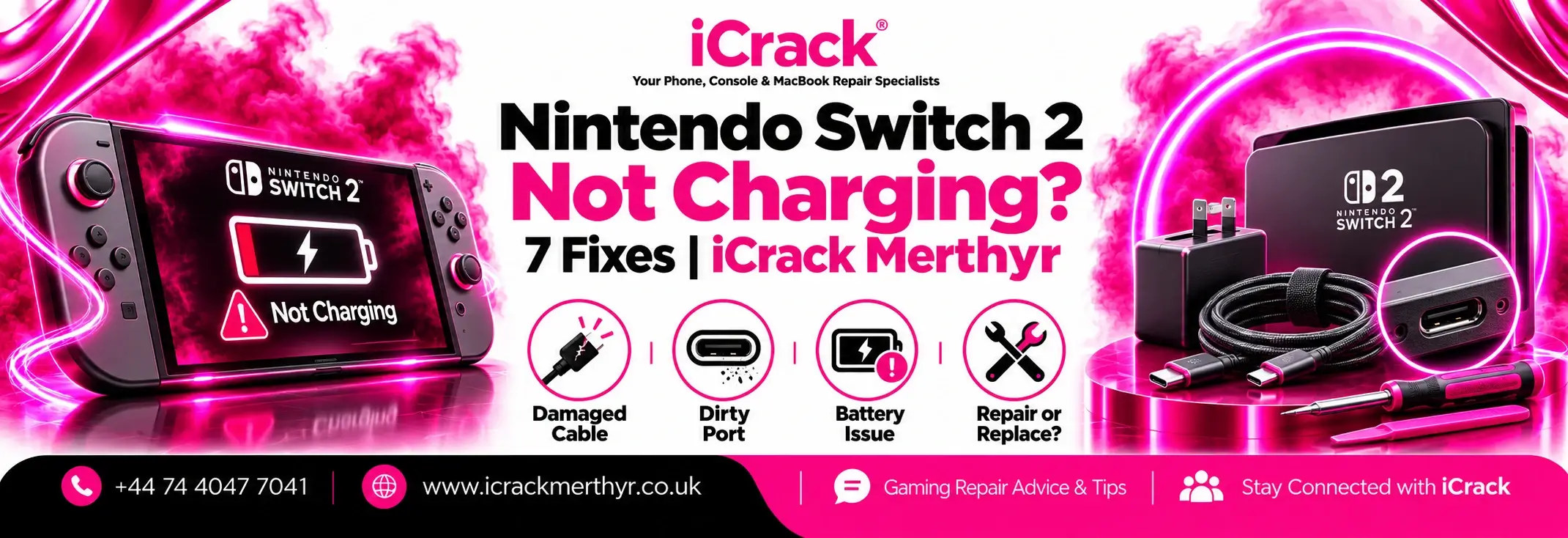
Before spending money on repairs, here are seven things worth checking.
Why Is My Nintendo Switch 2 Not Charging?
The Nintendo Switch 2 uses USB-C charging connections, and several things can prevent it from receiving power correctly.
Common causes include damaged cables, incompatible adapters, loose charging connections, software problems and faulty USB-C ports.
Sometimes the battery is simply too depleted to start immediately.
The important thing is to identify the cause rather than assume the entire console needs replacing.
1. Check Your Nintendo Switch 2 Charger
Start with the obvious: your charger.
Check the cable for visible damage, bent connectors or frayed sections. Make sure the adapter is securely connected to a working wall socket.
Nintendo recommends using the official Switch 2 adapter or another compatible power supply.
An older Nintendo Switch charger may charge the Switch 2 directly, but it isn’t suitable for powering the Switch 2 dock in TV mode.
If possible, test another compatible charger before investigating the console itself.
2. Try a Different Power Socket
Sometimes the problem isn’t your Nintendo Switch at all.
A faulty extension lead, switched-off socket or loose power connection could prevent the adapter from working.
Connect your charger directly to another wall socket.
Nintendo also recommends disconnecting the adapter from the power supply and console for approximately 30 seconds before reconnecting it.
This simple step may resolve certain charging problems.
3. Force Restart Your Nintendo Switch 2
Your console might appear completely dead when it’s actually experiencing a temporary software issue.
Try holding the POWER button for 20 seconds.
Release the button, reconnect the charger directly to the console and press POWER again.
This forces the console to shut down and restart.
If the screen responds, allow the device to charge before opening demanding games.
4. Inspect the USB-C Charging Ports
The Nintendo Switch 2 has USB-C connections on both the top and bottom of the console.
Check for visible dirt, bent metal or physical damage.
Avoid inserting sharp tools, metal objects or liquids into the ports. These could damage delicate internal contacts.
If one port charges normally while the other doesn’t, the affected connector may require professional inspection.
Our team can assess charging-related faults as part of our gaming console repair services in Merthyr Tydfil.
5. Give the Battery Time to Recover
If your Nintendo Switch 2 has been left unused for several weeks, its battery may be deeply discharged.
Connect a compatible charger and leave the console charging for at least 15–30 minutes.
Nintendo notes that a nearly depleted battery may initially display a charging indicator while the screen remains otherwise blank.
Avoid repeatedly disconnecting the charger during this period.
If there is still no response after following the recommended checks, further diagnosis may be necessary.
6. Check for Software Updates
If your Switch 2 turns on but charges inconsistently, check whether its system software is up to date.
Software updates can address certain stability and performance problems.
Open System Settings and look for the system update option.
Make sure the console has sufficient power before updating.
Remember that software updates cannot repair physically broken charging connectors or damaged internal charging circuits.
7. Check Whether the Battery Is Failing
A console that charges normally but loses power unusually quickly may have a battery-related problem.
Nintendo states that Switch 2 battery life typically ranges from approximately 2 to 6.5 hours, depending on the game and how the console is used.
Demanding games can consume power more quickly.
However, repeated unexpected shutdowns, inability to hold charge or abnormal battery behaviour may indicate a fault requiring professional attention.
Never attempt to puncture, heat or open a damaged lithium-ion battery.
When Should You Book a Nintendo Switch 2 Repair?
If you’ve tested the charger, tried another socket, restarted the console and inspected the ports without success, it’s sensible to arrange a proper diagnosis.
The fault could involve the charging connector, battery or internal charging circuitry.
Before paying for third-party repairs, check whether your console is still covered by its manufacturer or retailer warranty.
Nintendo Switch 2 Repair in Merthyr Tydfil
At iCrack Merthyr, our technicians help customers with gaming console faults, including charging issues, damaged ports and hardware problems.
Visit us at 5 Graham Way, St Tydfil Shopping Centre, Merthyr Tydfil CF47 8EG.
We can inspect your device, explain the likely fault and provide a clear repair quote.
Call +44 74 4047 7041 or visit iCrack Merthyr to enquire about Nintendo Switch 2 repairs.
Don’t replace your console before finding out whether it can be repaired.