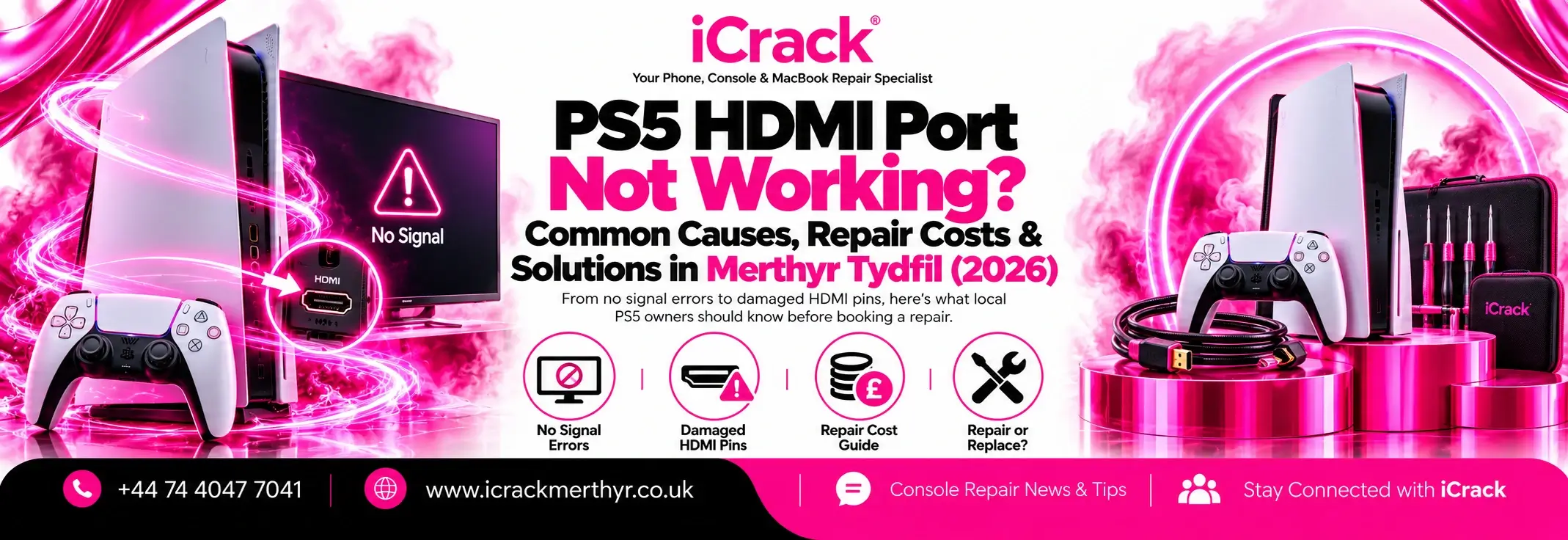
You switch on your PlayStation 5, the console lights up, but the TV displays “No Signal”. If you need PS5 HDMI repair in Merthyr Tydfil, the good news is that a blank screen doesn’t necessarily mean your console is finished.
Sometimes changing a cable fixes it. Other times, the HDMI socket needs professional attention. Here’s how to tell the difference.
Signs Your PS5 HDMI Port May Be Damaged
A faulty port doesn’t always stop the picture completely. You might notice:
- Your TV says “No Signal” even though the PS5 turns on.
- The picture flickers, cuts out or shows strange colours.
- The display only works when the HDMI cable sits at a particular angle.
- The HDMI socket looks bent, loose or has damaged pins.
These symptoms can point towards a damaged HDMI connection, but they aren’t proof. A faulty cable, TV input or internal video circuit can cause similar problems.
Why Do PS5 HDMI Ports Stop Working?
The HDMI port sits on the back of the console, where it can easily take a knock. Moving your PS5 while the cable is connected, pulling the cable sharply or accidentally bumping the console can damage the delicate connector.
Repeatedly plugging and unplugging an HDMI cable can also wear the socket over time, particularly if the cable is inserted at an angle.
Not every black screen is physical damage, though. A software-related display setting, incompatible video output or faulty HDMI cable may be responsible. Sometimes motherboard HDMI circuitry fails even when the port looks fine.
Five Things to Try Before Booking a Repair
Before booking a replacement, try these checks.
1. Check the correct TV input. Make sure your television is set to the HDMI input your console is connected to.
2. Try another HDMI cable. Use a known-working cable, ideally one suitable for your PS5 and TV. A damaged cable can produce exactly the same symptoms as a bad port.
3. Test a different HDMI socket or screen. Connect the console directly to another TV input, avoiding soundbars or HDMI splitters while troubleshooting.
4. Restart both devices. Turn off the PS5 and TV completely, disconnect them from the power for around 20 minutes, then reconnect and test.
5. Try Safe Mode if the port looks intact. With the console switched off, hold the power button until the second beep, then connect a controller by USB. If a picture appears, the “Change Video Output” option may help with a resolution problem. Avoid reset options that erase data.
If you can see bent pins or the socket moves around, stop testing different cables. Forcing another connection can make the damage worse.
How Much Does PS5 HDMI Repair Cost in the UK?
In 2026, published prices from UK repair providers put straightforward PS5 HDMI port replacement at roughly £60–£120. This is a general guide, not a fixed price for repairs in Merthyr Tydfil.
The final cost depends on your PS5 model and the extent of the damage. If the port has torn pads from the motherboard, or the HDMI chip is faulty, repair may cost more.
Ask whether the quote includes diagnosis, replacement parts, labour and testing before approving the job.
Is It Worth Repairing a PS5 HDMI Port?
Usually, yes, if the console works normally apart from its display connection. Replacing a damaged HDMI socket can be considerably cheaper than buying another PS5, and it avoids throwing away an otherwise usable console.
A technician should inspect the port and surrounding circuitry first. HDMI replacement requires specialist soldering equipment and careful motherboard work, so it’s not a sensible first DIY project.
PS5 HDMI Repair in Merthyr Tydfil
If the basic checks haven’t worked, iCrack Merthyr can inspect your PlayStation and identify whether the HDMI connector or another component is causing the problem.
Our gaming console repair service covers damaged ports, display faults and other common PlayStation issues. We can assess the console, explain the repair options and provide a quote before work goes ahead.
Visit iCrack, 5 Graham Way, Merthyr Tydfil, CF47 8EG, or call 07440 477041 to discuss your PS5 repair.
Final Thoughts
A PS5 showing “No Signal” can be annoying, especially when you’ve finally found time for a game. Start with the cable, TV input and display settings. If the HDMI port is loose or visibly damaged, a professional inspection is the safer next step.
Getting the right diagnosis could put your console back in action without the expense of replacing it.