
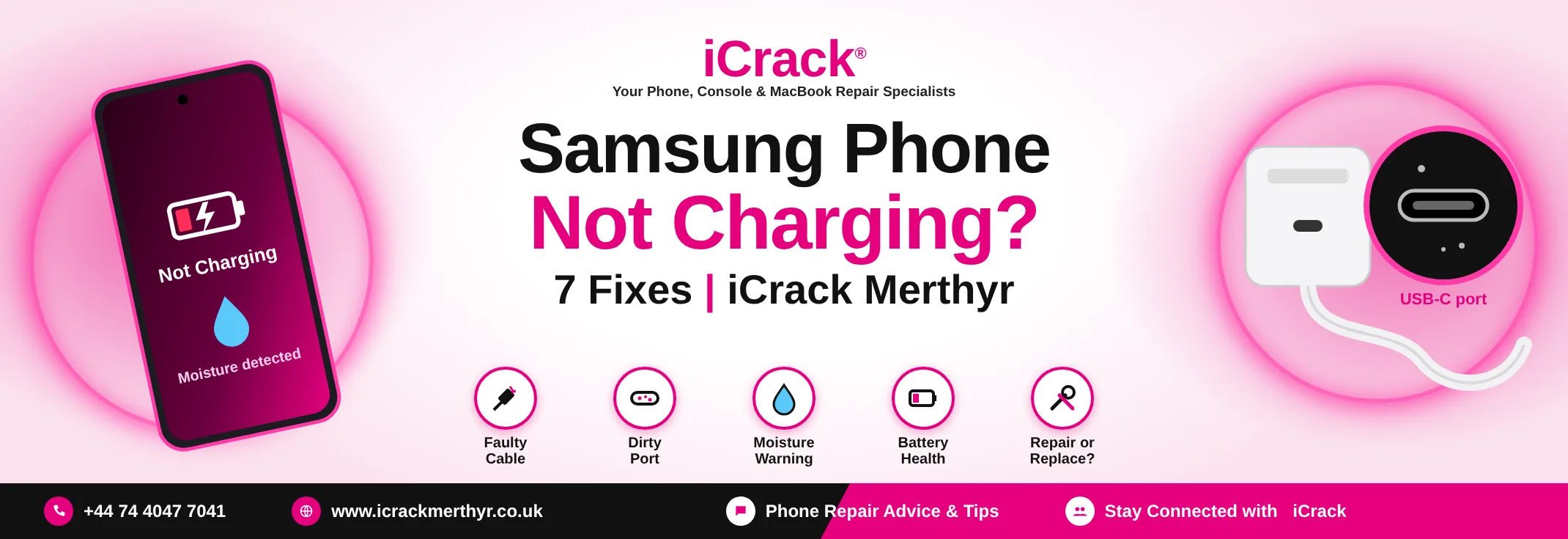
Most Samsung Galaxy phones that won’t charge have a faulty cable or adapter, lint in the USB-C port, a moisture warning or a temporary software glitch. Try the seven checks below. If none of them work, the charging port or battery probably needs a repair.
You plug your Galaxy in, but the battery icon doesn’t change, charging keeps stopping, or you see a water drop warning. Here’s how to find the cause before you spend money.
1. Try another cable and plug
Cables fail inside long before they look damaged. Test with a different USB-C cable and a known-working wall adapter. Samsung’s fast charging needs a compatible adapter, so a cheap or old plug may charge very slowly or not at all.
2. Clean the charging port carefully
Pocket lint packs into the USB-C port and stops the cable clicking in fully. Shine a torch inside. If you see fluff, don’t dig with metal objects or spray anything in. A technician can clean it safely without damaging the pins. If the cable feels loose even after cleaning, the port itself may be worn. See our charging port repair service.
3. Check for a moisture warning
Galaxy phones stop wired charging when they detect moisture in the port. Unplug the cable, gently shake out any water and let the phone dry naturally at room temperature. Never use a hairdryer or put it in rice. Wireless charging may still work while the port dries. If it has been in water, read our water-damaged phone guide.
4. Restart the phone
A frozen app or system process can stop the phone recognising the charger. Hold the side key and volume down for about 10 seconds to force a restart, then plug it back in.
5. Boot into Safe Mode
A downloaded app can sometimes interfere with charging. Safe Mode temporarily turns off downloaded apps. If the phone charges normally in Safe Mode, uninstall recently added apps one by one until you find the culprit.
6. Let it cool down
Galaxy phones pause charging when they get too hot, for example during gaming or in direct sun. Unplug, let the phone cool for 15 minutes, then try again. If it overheats often, read why phones overheat.
7. Check battery health
An older battery may charge slowly, jump between percentages or switch off suddenly. Open the Samsung Members app and run the battery diagnostic. If the battery is worn or the back of the phone is bulging, stop charging it and get it checked. We offer phone battery replacement in Merthyr Tydfil.
Samsung charging repair in Merthyr Tydfil
If none of these fixes work, the charging port, battery or charging circuit may need repair. At iCrack we repair Galaxy S, A, Z and Note models. Visit us at 5 Graham Way, St Tydfil Shopping Centre, Merthyr Tydfil CF47 8EG, call 07440 477041, or see our Samsung repair page.
Using an iPhone or another phone? Our general phone not charging guide covers every make.
Samsung Not Charging: Quick Answers
Why does my Samsung say moisture detected when it’s dry?
Lint, dirt or corrosion in the port can trigger the warning. Clean the port carefully, restart the phone and try again. If it keeps happening, the port may need professional cleaning or replacing.
Why is my Samsung charging so slowly?
Slow charging is usually down to the adapter, cable or heat. Use a fast-charging adapter and check that Fast Charging is switched on in Battery settings.
Can a Samsung charging port be repaired?
Yes. On most Galaxy models the charging port can be cleaned or replaced without replacing the phone.